
Remove Text from Image Seamlessly with AI-Powered Eraser - Just Paint Over the Text You Want Gone
RemoveTexts is a free online AI tool that removes text, captions and watermarks from images and rebuilds the background behind them. Use it on photos, screenshots, posters and memes. It is not built for editing official documents such as IDs, certificates or bank statements.
ID cards and official documents are not supported. Just want a quick brush eraser? Try Free Eraser →
Zero Trace. Naturally Seamless. Every Time.
Drag the slider to reveal the difference. Our AI reconstructs background texture, grain, and lighting behind the removed text. Check the result at full size — busy patterns and faces are where it is most likely to need a second pass.
Remove Subtitles from Image
Erase burned-in subtitles and captions from movie stills. The AI fills the missing pixels with background-consistent content — no smearing, no blur, no artifacts.
- Burned-in subtitles
- Movie captions
- Dialogue text
Remove Instagram Watermark
Strip @username handles and platform logos from downloaded images. The AI reconstructs the overlapping background with imperceptible precision — as if the watermark was never there.
- @username handles
- Platform logos (TikTok, Reels)
- Creator signatures
Remove Text from Meme
Remove white Impact-font overlays from memes. The AI reads the underlying image and reconstructs it perfectly — ready for new captions or standalone use as a clean photo.
- Impact font overlays
- Top/bottom caption text
- Reaction image text
Remove Price Tag from Product Photo
Erase price labels, sale badges, and promotional banners from product images. The AI fills behind stickers and labels — surface texture, patterns, and gradients all faithfully restored.
- Price stickers & labels
- Sale/discount banners
- Stock number overlays
Remove Text from Real Estate Photo
Remove agent info, property addresses, and listing IDs from listing photos. Clean images suitable for any platform — seamlessly restored backgrounds with no trace of the original overlays.
- Agent name & number
- Property address text
- MLS listing IDs
Remove Logo from Image
Erase brand logos, sponsor marks, and company watermarks from event photos and design assets. The AI matches surrounding texture so precisely that even a trained eye cannot detect the removal.
- Brand logos
- Sponsor badges
- Company watermarks
Remove Text from Game Screenshot
Strip HUD text, kill-feed, and UI overlays from gaming screenshots for wallpapers and thumbnails. The AI reconstructs sky, terrain, and architecture behind removed UI — naturally clean.
- HUD elements & UI text
- Player usernames
- In-game kill-feed
Remove Poetry Text from Image
Strip quote and poem overlays from landscape photos. The AI recovers the hidden sky, foliage, or texture beneath the typographic layer — returning the image to its original pristine state.
- Quote overlays
- Shayari text
- Inspirational typography
Remove Photographer Watermark
Erase copyright text, photographer names, and studio watermarks. The AI seamlessly reconstructs the background — zero texture mismatch, zero visible seam.
- © copyright text
- Studio name overlays
- Corner watermarks
Remove Date Stamp from Photo
Old cameras burned date codes like '2003/08/14' directly onto photos. AI identifies the digits, removes them, and restores the original grain and color beneath — completely invisible.
- Red timestamp overlays
- Camera date codes
- Film era date stamps
Easiest text removal tool to use
It just works! Designers, marketers, and creators rely on our fast AI text removal to keep visuals clean.
Easiest Text Edit Tool to Use
It just works! Designers, marketers, and creators rely on our fast AI text removal to keep visuals clean. Powered by a diffusion model architecture — not basic inpainting or clone stamp — so most removals blend into the surrounding background.
Measured on 11,394 completed or failed tasks, as of 2026-10-01.
What is RemoveTexts?
RemoveTexts.com is a free AI-powered online tool that removes text, watermarks, and unwanted elements from images in under 30 seconds. Unlike traditional clone stamp or basic inpainting tools, RemoveTexts uses an advanced diffusion model AI algorithm — the same class of generative architecture behind state-of-the-art image synthesis research — to analyze surrounding pixels and intelligently reconstruct the background where text was removed. The result is seamless: the human eye cannot detect editing traces.
According to a 2022 survey published in IEEE Transactions on Pattern Analysis and Machine Intelligence, modern deep learning models achieve over 95% structural similarity (SSIM) on standard benchmarks. RemoveTexts leverages diffusion-based generation to deliver professional-grade results accessible to anyone — no Photoshop skills required, no software download, no learning curve. Just upload your image, brush over the text, and let the AI handle the rest.
The tool supports 3 specialized modes: Remove All Text (one-click removal of every text element), Edit Text (replace text with AI font matching), and Remove Watermarks. All modes accept JPG, PNG, and WebP images up to 10 MB. The AI excels at removing small amounts of text seamlessly; for images with dense text, we recommend processing a few words at a time across multiple passes for the best results.
Typical users range from e-commerce sellers cleaning product photos to designers reusing poster templates.
RemoveTexts does not support editing identity documents, driver's licenses, passports, or government-issued documents to prevent misuse and fraud.
How to Remove Text from Image
Upload Image
Upload your image in JPG, PNG, or WebP format (up to 10MB). No software download or Photoshop skills needed.
Brush Over Text
Use the brush to paint over the text you want to remove. For best results, focus on a few words at a time — the diffusion model AI handles the rest.
Download Seamless Result
The AI reconstructs the background so perfectly that the human eye cannot detect editing traces. Download your clean image instantly.
AI Seamless Text Removal - No Trace Left Behind
Powered by an advanced diffusion model AI algorithm — not basic inpainting or clone stamp — our AI reconstructs the background so that, in most images, the edit blends in at normal viewing size. It just works.
Diffusion Model AI Algorithm
Unlike clone stamp or basic inpainting tools, RemoveTexts uses an advanced diffusion model AI that generates plausible pixel content for the removed area. This is why our results are seamless — the AI doesn't just smear neighboring pixels, it intelligently reconstructs the scene.
Seamless Results
The diffusion model reconstructs textures, lighting, and patterns so that, in most images, the edit blends in at normal viewing size — results that speak for themselves.
No Photoshop, No Skills Needed
No design experience required, no software to download, no learning curve. Simply upload your image, brush over the text you want to remove, and wait for the AI to process. It's that simple — professional results in seconds.
Best for Small Amounts of Text
Our diffusion model AI excels at removing small amounts of text from images — watermarks, captions, date stamps, and short labels are removed seamlessly. For images with lots of text, process a few words at a time across multiple passes for the best quality.
Preserve Original Quality
When you remove text from photo using our AI, the original image quality is fully preserved. No compression, no quality loss, no artifacts — just clean, professional results that match the original resolution.
Content Safety Built In
RemoveTexts does not support editing identity documents, passports, or government-issued documents to prevent fraud.
Case Studies
Remove Logo from Image
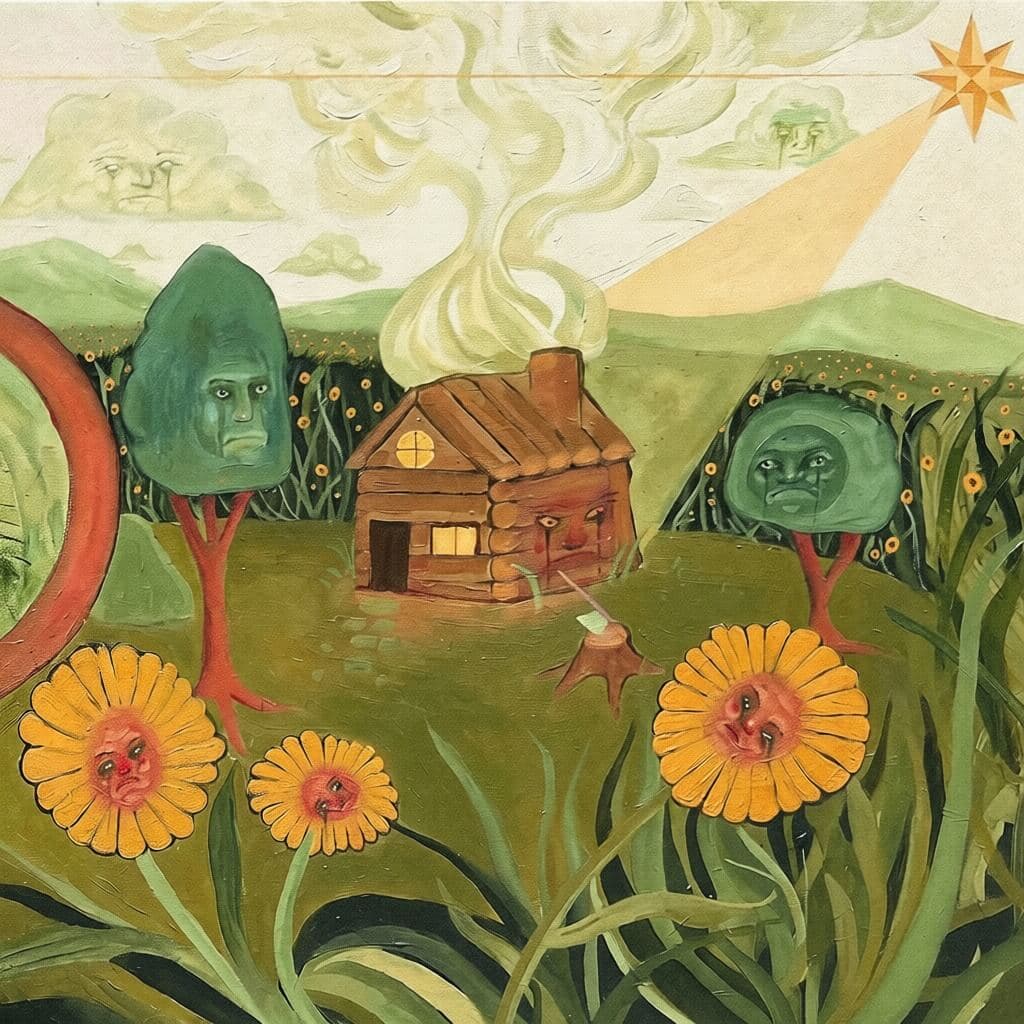
AI seamlessly removes the logo and reconstructs the background perfectly
Edit Text
AI replaces text while perfectly matching the original font, color, and style
Remove Watermark

AI removes watermarks and perfectly reconstructs the background
Remove All Text
AI scans the entire image and removes every piece of text seamlessly
How to Use AI Text Remover - Popular Use Cases
Seamless Watermark Removal
Remove watermarks from images with zero trace left behind. Our diffusion model AI reconstructs the background so that, in most images, the edit blends in at normal viewing size — far superior to basic clone stamp or inpainting tools.
Clean Subtitle Removal
Erase subtitles, captions, and overlay text from screenshots seamlessly. No Photoshop skills needed — just upload, brush over the text, and the AI handles the rest in seconds.
Best for Small Text Elements
Our AI excels at removing small amounts of text — watermarks, date stamps, short labels. For images with lots of text, process a few words at a time across multiple passes for seamless results.
Professional Results Every Time
Our diffusion model AI delivers consistently seamless results. No software download, no design experience required — professional-grade text removal accessible to anyone.
More Free Tools from Our Team
RemoveTexts is one of several image and video tools built by the same team. If your task goes beyond text, these are the closest matches:
A free browser-based magic eraser for quick touch-ups on any photo. — MagicRemover
Erase unwanted objects, people and clutter from photos with one brush stroke. — MagicRemover
Retouch, relight and restyle photos in the browser. — SparkPix
Type any word and get custom lettering as a transparent PNG or cut-ready SVG. — ArtFont
Split a flat image into separate, editable layers. — LayerGrab
Frequently Asked Questions
How to remove text from image for free?
Can AI remove text from image without damaging the background?
What's the best free text remover from image?
How does the AI text remover work?
Can it remove watermarks from photos?
Is the text eraser from image free to use?
What about images with lots of text?
Does RemoveTexts have content moderation?
How to erase text from image online?
Is this the best way to remove text from photo?
Can I remove text from image AI free without signup?
How to delete text from image?
Experience Seamless Text Removal
No signup required. AI removes text without a trace - your images look like text was never there.